How to Update Prices on a Restaurant Menu Image Without Photoshop
Change dish prices, seasonal specials, and chalk menu boards in minutes directly from your browser with SwapTxt.
Upload your menu photo or exported PDF/PNG menu image to SwapTxt, click every price detected by OCR, enter the updated amounts, and save the menu as a template so future seasonal updates take seconds.
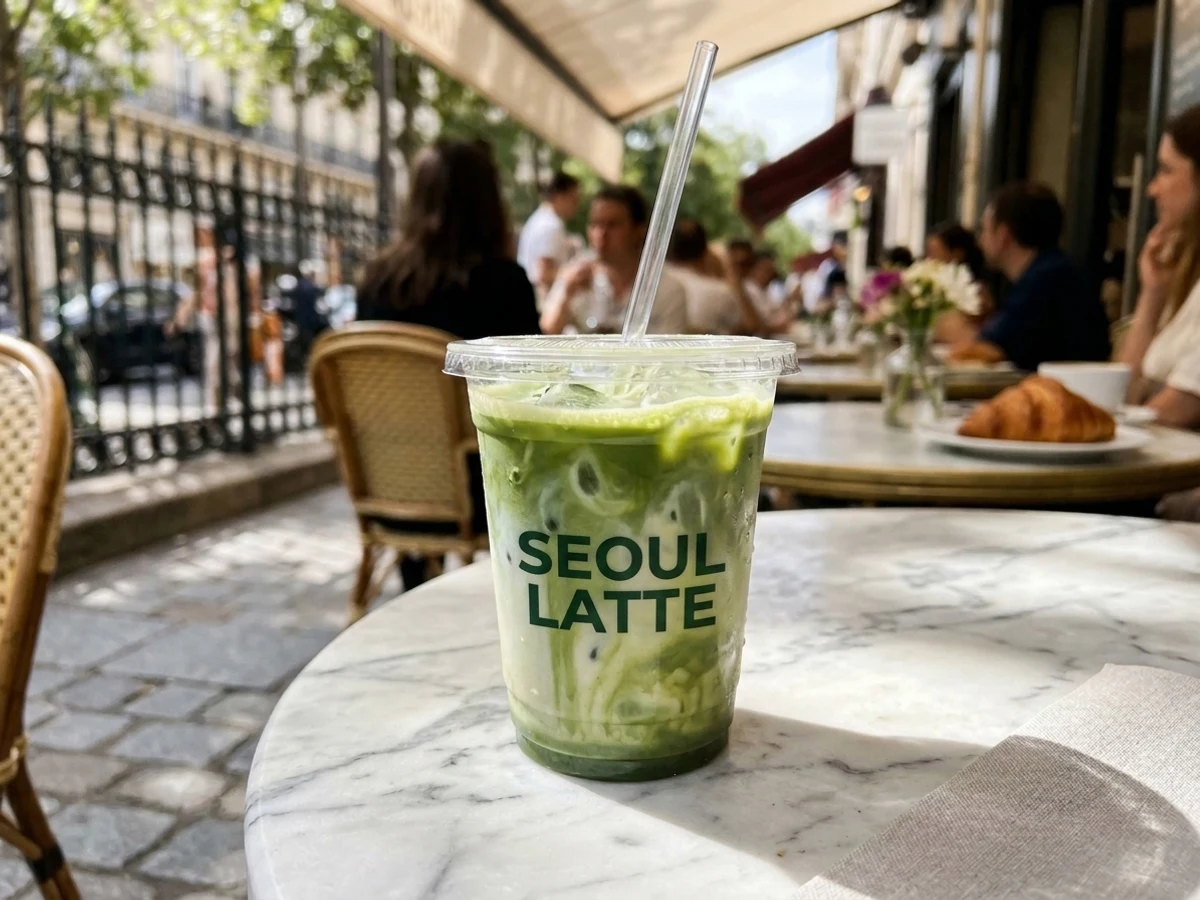
Fast Seasonal Menu Updates for Cafes & Restaurants
Whether your menu is a photographed chalkboard or a flattened PDF graphic, SwapTxt lets you update prices and dish names without paying for a full redesign.
Keeping Dish Descriptions Locked in Place
Untouched dish names and decorative dividers remain locked in place so only the selected prices change.
Update your menu prices now
Batch-edit up to 30 prices on one menu in a single run.
Frequently Asked Questions
Can I update 20 prices on one menu image at once?
Yes. Queue up to 30 price boxes and update them all in one batch.
Can I reuse the menu layout next season?
Yes. Click 'Save as template' in History after your first edit.