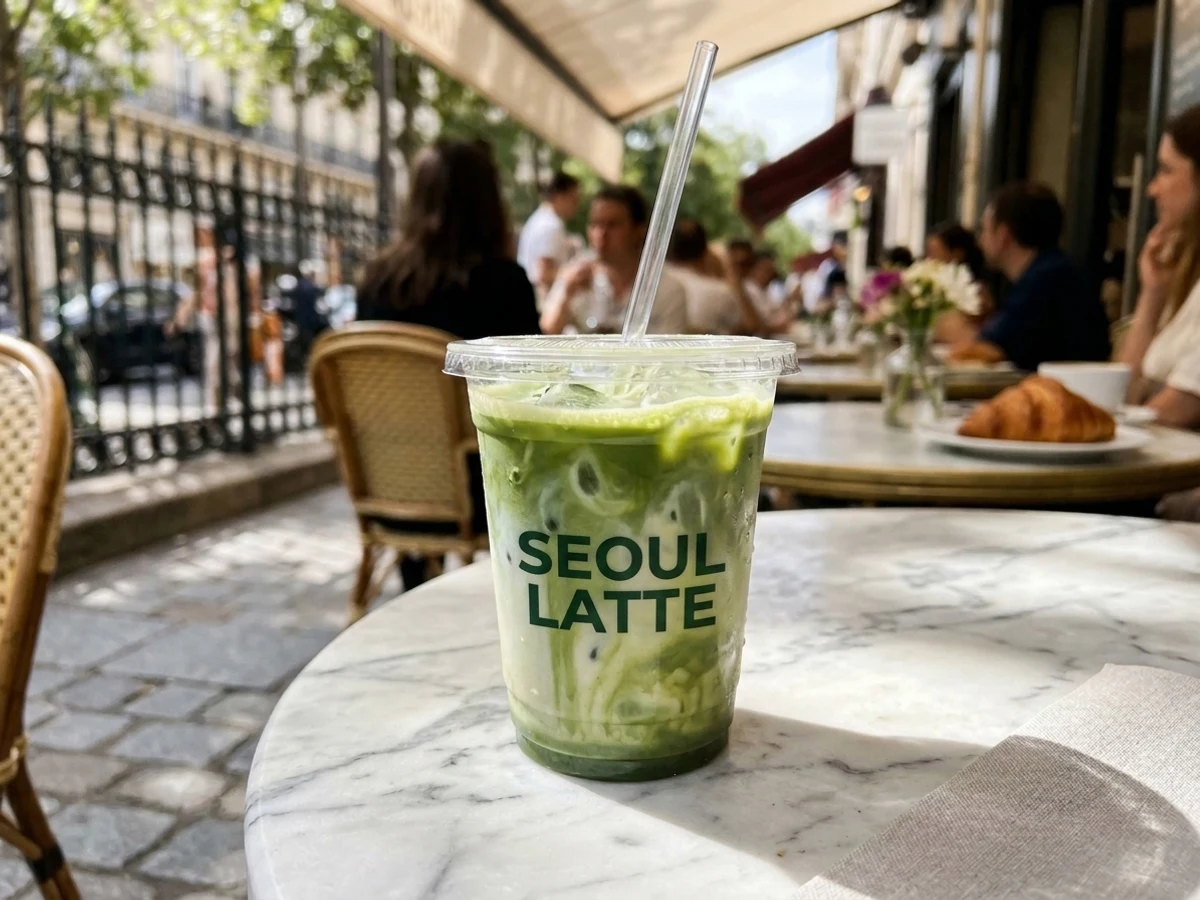
Common Mistakes When Extracting & Editing Text From Pictures (OCR Tips)
Get cleaner OCR bounding boxes and sharper text replacements by avoiding glare, extreme blur, and tight cropping.
For the highest OCR accuracy and cleanest text replacement, avoid heavy specular glare over lettering, upload full-resolution images (not compressed chat thumbnails), specify the language when using the API, and refine merged boxes using 'Edit Scan Results'.
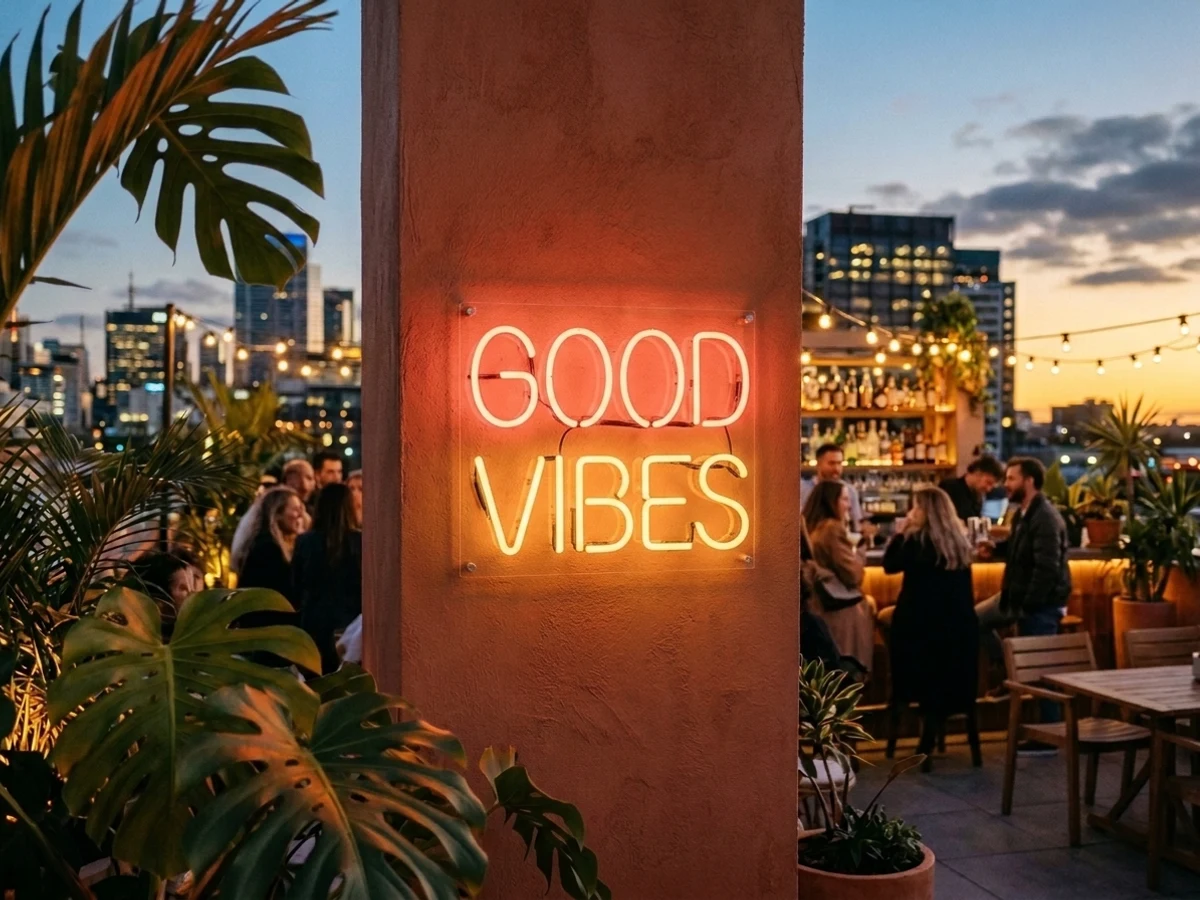
Why Image Resolution Matters for OCR
Tiny thumbnails blur letter edges together, causing OCR to split or skip words. Always upload the original PNG or JPEG.
Refining Boxes Before Generating
If decorative lettering gets split into two boxes, click 'Edit Scan Results' to merge or redraw the box cleanly so AI renders the replacement in one smooth line.
Test live OCR on your image
Automatic text detection with manual box refinement built in.
Frequently Asked Questions
What if OCR misses stylized handwritten text?
Use 'Edit Scan Results' → 'Draw Missing Box' to select it manually.