How to Edit Text in a JPEG Image Online Without Re-Compression
Edit text inside JPEG photos online while avoiding generation loss and blurry compression artifacts.
Quick Answer (TL;DR)
Upload your JPEG to SwapTxt, select the detected text lines, apply your replacements, and download the lossless PNG output (Result B) so the rest of your JPEG never suffers double-compression artifacts.
Why Re-Saving JPEGs Degrades Image Quality
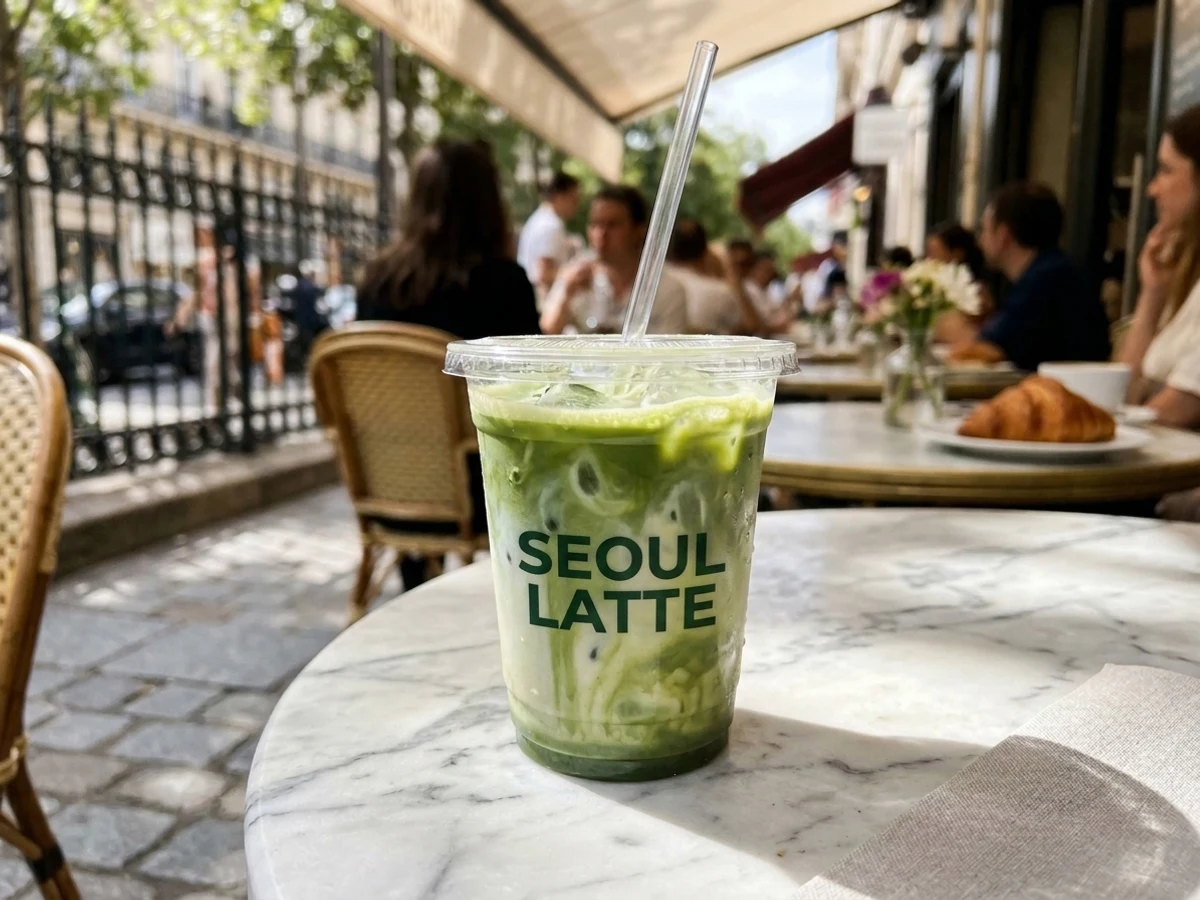
Every time a JPEG is decoded and re-encoded, compression blocks accumulate around sharp edges and typography.
Preserving Crispness With PNG Exports
SwapTxt exports lossless PNG results so your updated lettering stays razor-sharp.
Edit your JPEG text online
Fast browser workflow with lossless PNG output.
Frequently Asked Questions
Can I upload .jpg and .jpeg files?
Yes, both extensions are supported up to 20 MB.
Does it fix JPEG artifacts around the new text?
Yes. The replacement glyphs are rendered cleanly at full resolution.