Replace text in images in the exact same font.
Swap campaign headlines, product labels, or signage wording without breaking shadows or background textures. Queue multiple replacements and compare A, B, and 4K exports.


Click to Upload or Drag & Drop
Supports JPG, PNG (Max 8MB)
Tips
The AI analyzes this text to "learn" the font style.
- You can add multiple text changes, spend 1 credit only total.
- Fix it below if origin text is wrong (e.g. 'He11o' → 'Hello')
- Do NOT change it if origin text is right
OCR can be wrong. Ensure this matches the text in the image exactly for best removal results.
Preview
Live typography preview.


Drag across real edits.
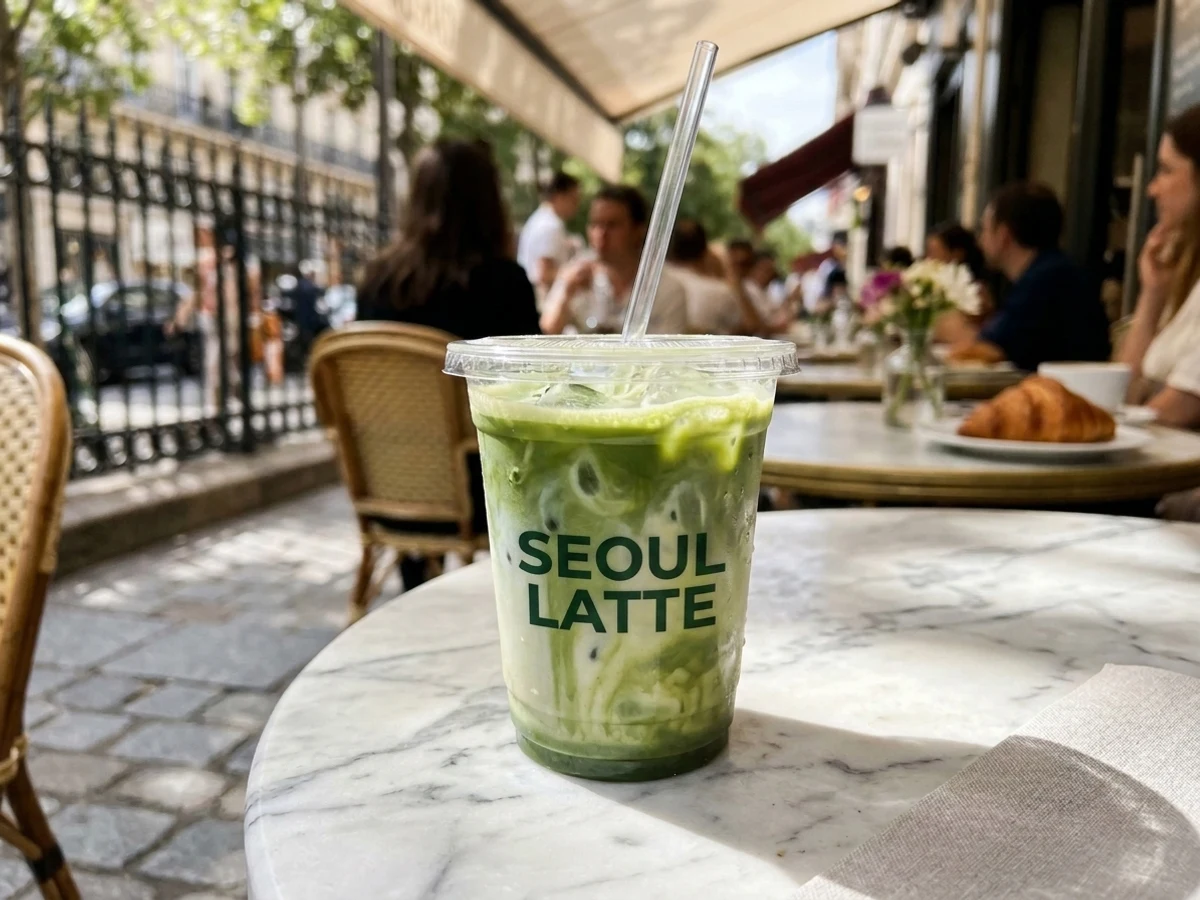
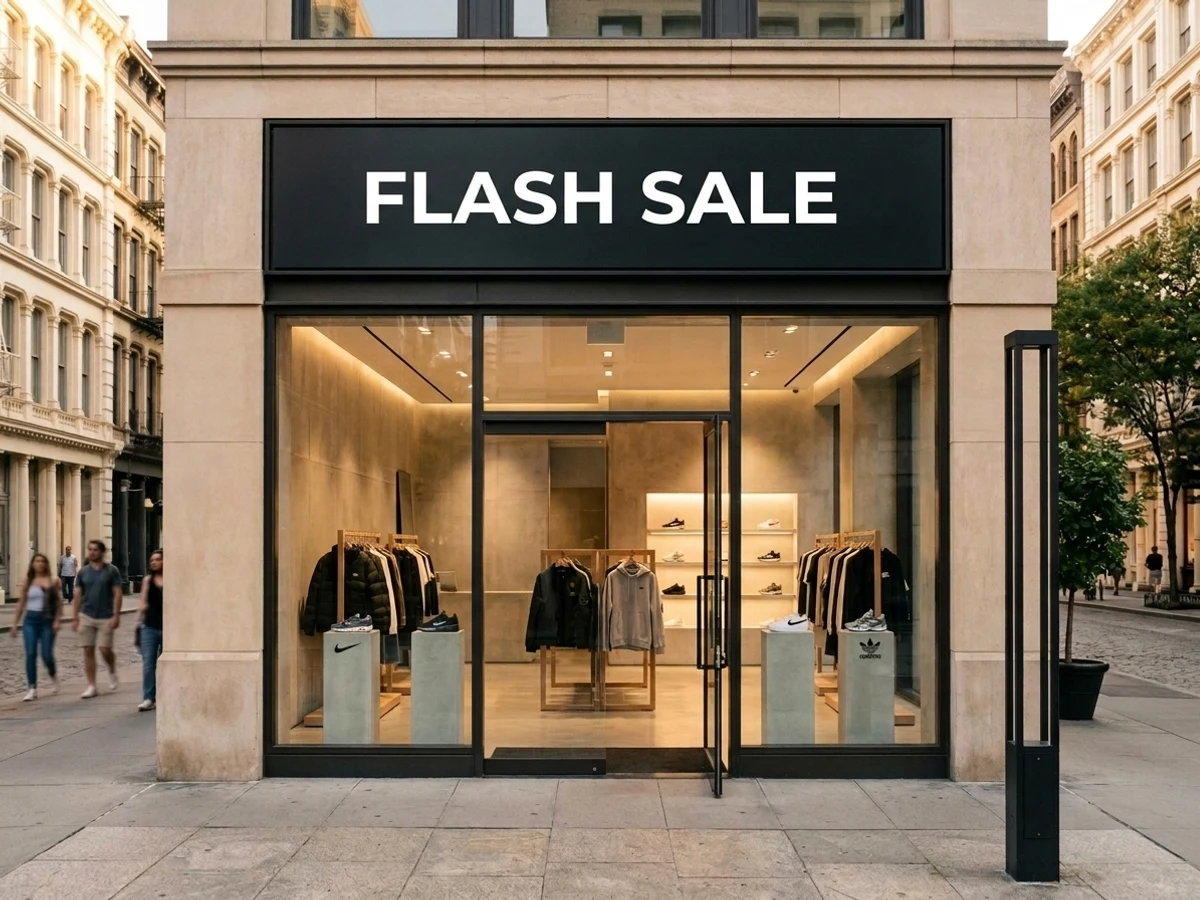
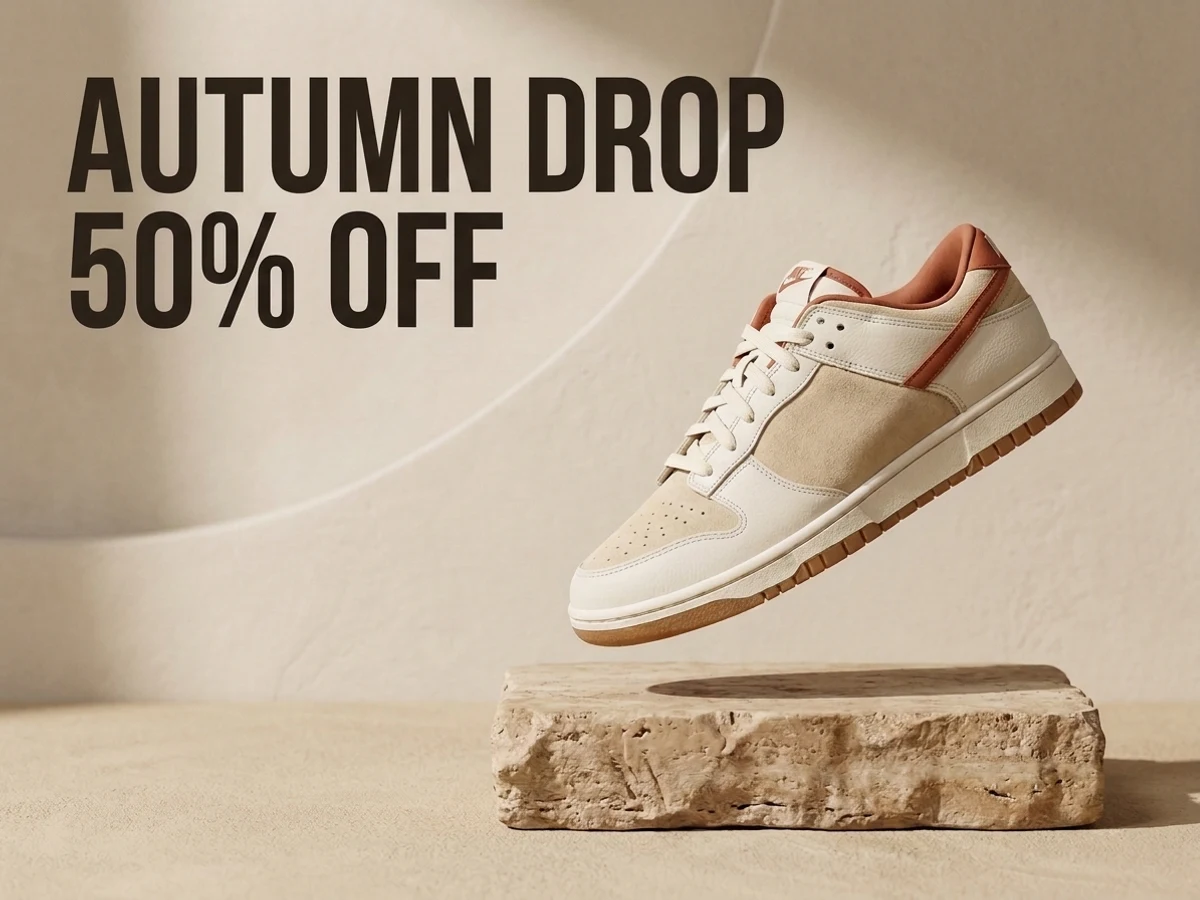
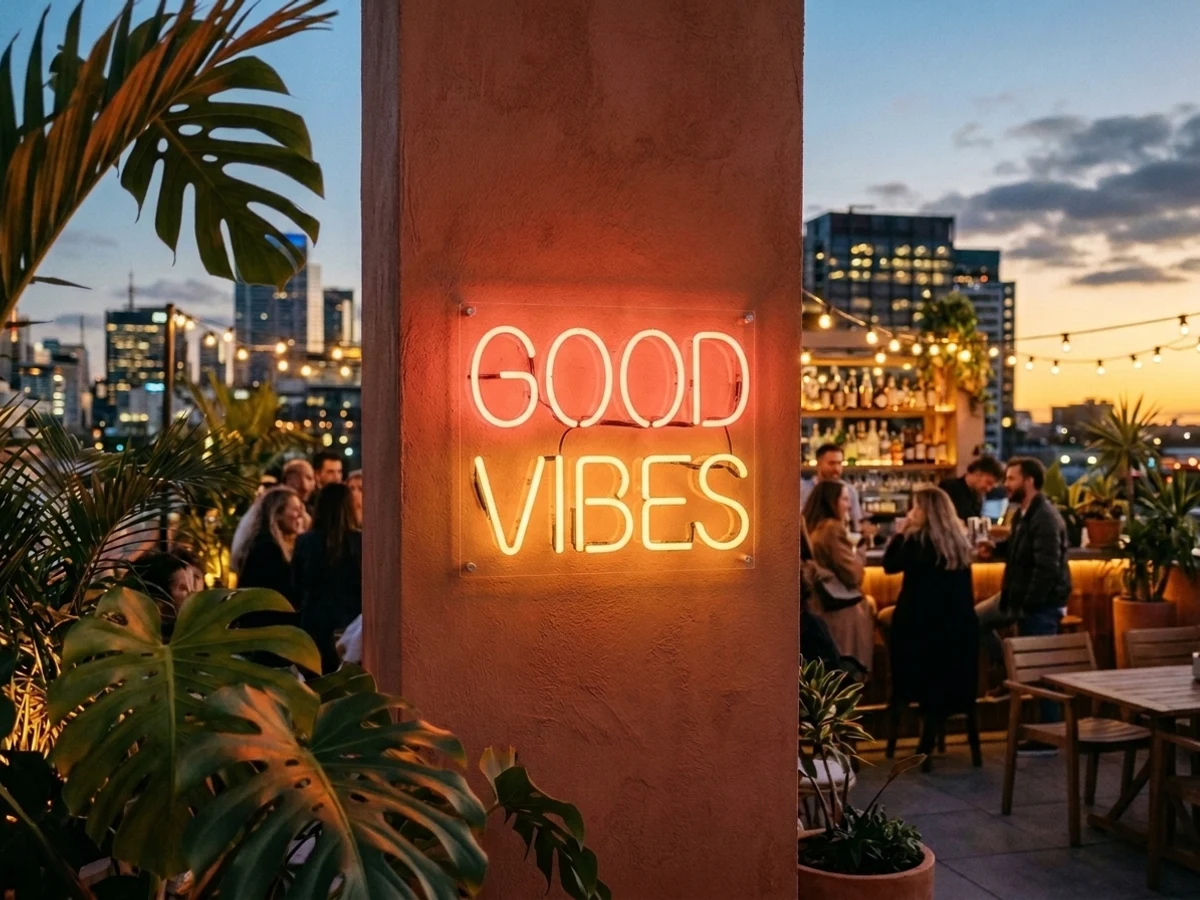
Switch between four high-converting campaign surfaces — luxury skincare packaging, viral café cups, flagship storefronts, and sneaker ad banners — and drag the divider to inspect typography preservation.


Why teams switch to SwapTxt.
No font hunting, no clone-stamping backgrounds, and no manual layer masks.
Pixel-locked font, perspective & lighting reconstruction
Each detected text box is analyzed for stroke weight, ink tone, kerning, and surface curvature. Original glyphs are cleanly removed before the replacement is rendered directly into the scene.
Results A, B & 4K
Every edit produces a full AI render (A), a pixel-preserved original blend (B), and an upscaled 4K master (C) when aspect ratio permits.
Queue up to 30 edits per image
Modify prices, dates, or translate entire posters in a single pass, then save reusable templates to swap copy on future campaigns.
Automate image localization with OpenAPI 3.1
Submit images via URL, base64, or multipart upload. Built-in OCR matching, idempotency keys, concurrent job queues, and HMAC-SHA256 signed webhooks.
Three steps, zero Photoshop layers.
Upload any image
Drag in a JPEG, PNG, or WebP file — product photos, signage, menus, book covers, or UI screenshots.
Click detected text & rewrite
OCR highlights every line automatically (use Edit Scan Results if you ever need to draw a missing box or fine-tune alignment). Click any box, enter your new wording (or leave blank to erase), and queue multiple changes.
Download clean results
Compare AI direct output, blended fusion, and 4K high-resolution results side by side and export in one click.
| Capability | SwapTxt | Photoshop | Canva |
|---|---|---|---|
| Automatic original font & weight matching | Automatic AI match | Manual font hunting | Limited font swaps |
| Complex textured background reconstruction | Built-in per box | Manual generative fill | Often smears textures |
| Batch replace multiple text lines at once | Up to 30 lines / run | Layer by layer | Box by box |
| REST API + Signed Webhooks | OpenAPI 3.1 ready | Enterprise only | No image-text edit API |
Frequently asked questions.
How does SwapTxt replace text without smudging the background?
The engine removes the original characters inside each bounding box, reconstructs the underlying surface texture, and renders the new text matched to the scene lighting.
Can I replace text on angled signs or curved packaging?
Yes. Perspective, tilt, and surface reflections are preserved automatically when rendering replacement lettering.
What is the difference between Result A, B, and C?
Result A is the full AI render, Result B blends only the edited boxes back onto your pixel-exact original image, and Result C provides an upscaled 4K master.
Can I automate text replacement for hundreds of images?
Yes. Use our OpenAPI 3.1 REST API (/v1/edits) with signed webhooks to batch-replace text programmatically.