How to Change a Price on a Flyer Image File Easily
Update sale prices, percentages, and currency tags on finished retail flyers and promotional posters without reopening design files.
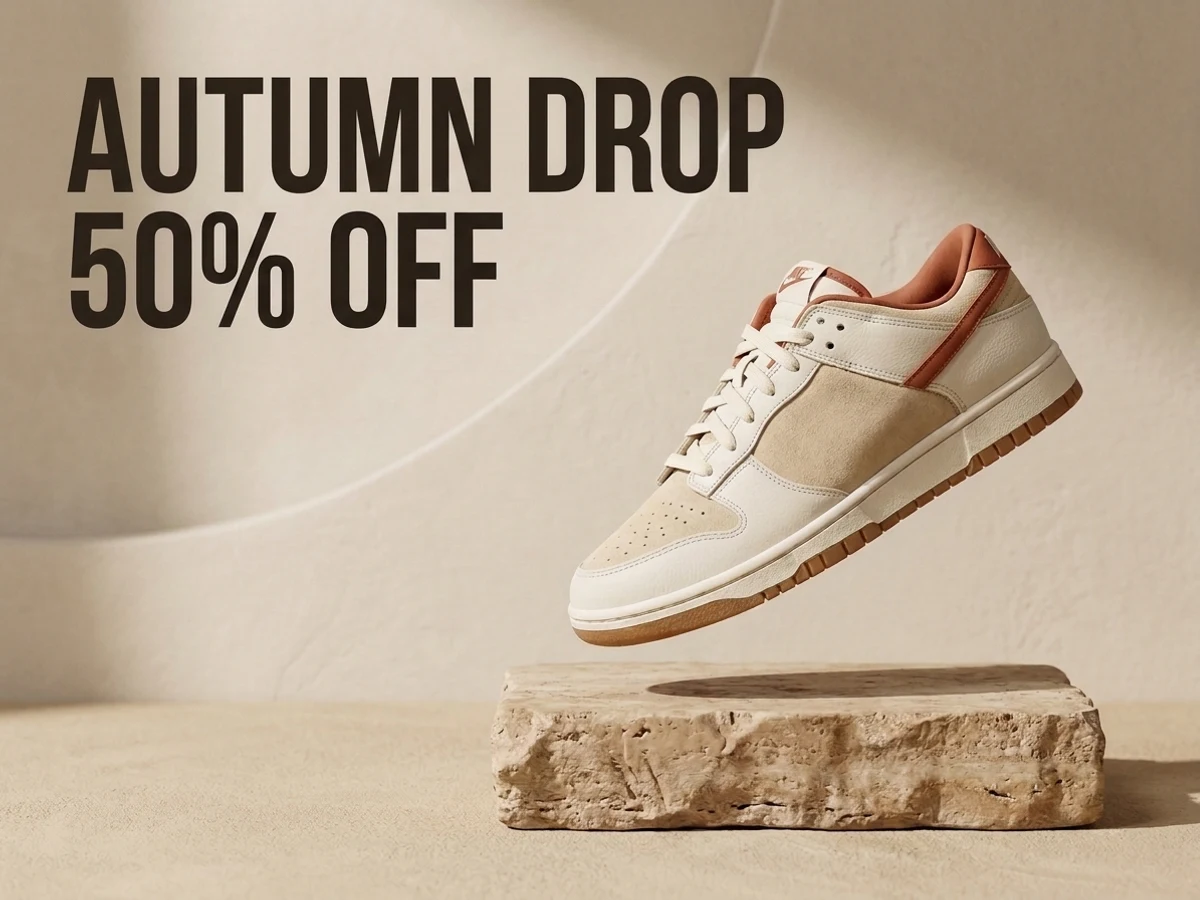
Upload your flyer JPG or PNG to SwapTxt, click each price box detected by OCR, type the updated figures (such as 30% OFF to 50% OFF), and export a print-ready 4K update in under a minute.
Updating Last-Minute Promotions Without a Designer
Retailers and restaurants frequently need to adjust prices after a flyer is already exported. With SwapTxt, you can edit the finished image directly in your browser.
Saving Flyers as Reusable Campaign Templates
After your first price update finishes, click 'Save as template' in History so next month's promo takes 15 seconds to update.
Update flyer prices now
Batch-update up to 30 prices on one flyer while keeping every other word locked.
Frequently Asked Questions
Can I change both the price and the campaign title together?
Yes. Queue both boxes and replace them in one batch.
Will the flyer stay crisp enough for printing?
Yes. Download Result C for an upscaled 4K master.