이미지 속 텍스트를 원본 느낌 그대로 수정하세요.
사진, 포스터, 패키지, 스크린샷을 올려보세요. SwapTxt가 OCR로 글자 영역을 자동 감지하고 원본 폰트, 조명, 질감에 맞춰 자연스럽게 바꿔줍니다.


Click to Upload or Drag & Drop
Supports JPG, PNG (Max 8MB)
Tips
The AI analyzes this text to "learn" the font style.
- You can add multiple text changes, spend 1 credit only total.
- Fix it below if origin text is wrong (e.g. 'He11o' → 'Hello')
- Do NOT change it if origin text is right
OCR can be wrong. Ensure this matches the text in the image exactly for best removal results.
Preview
Live typography preview.


Drag across real edits.
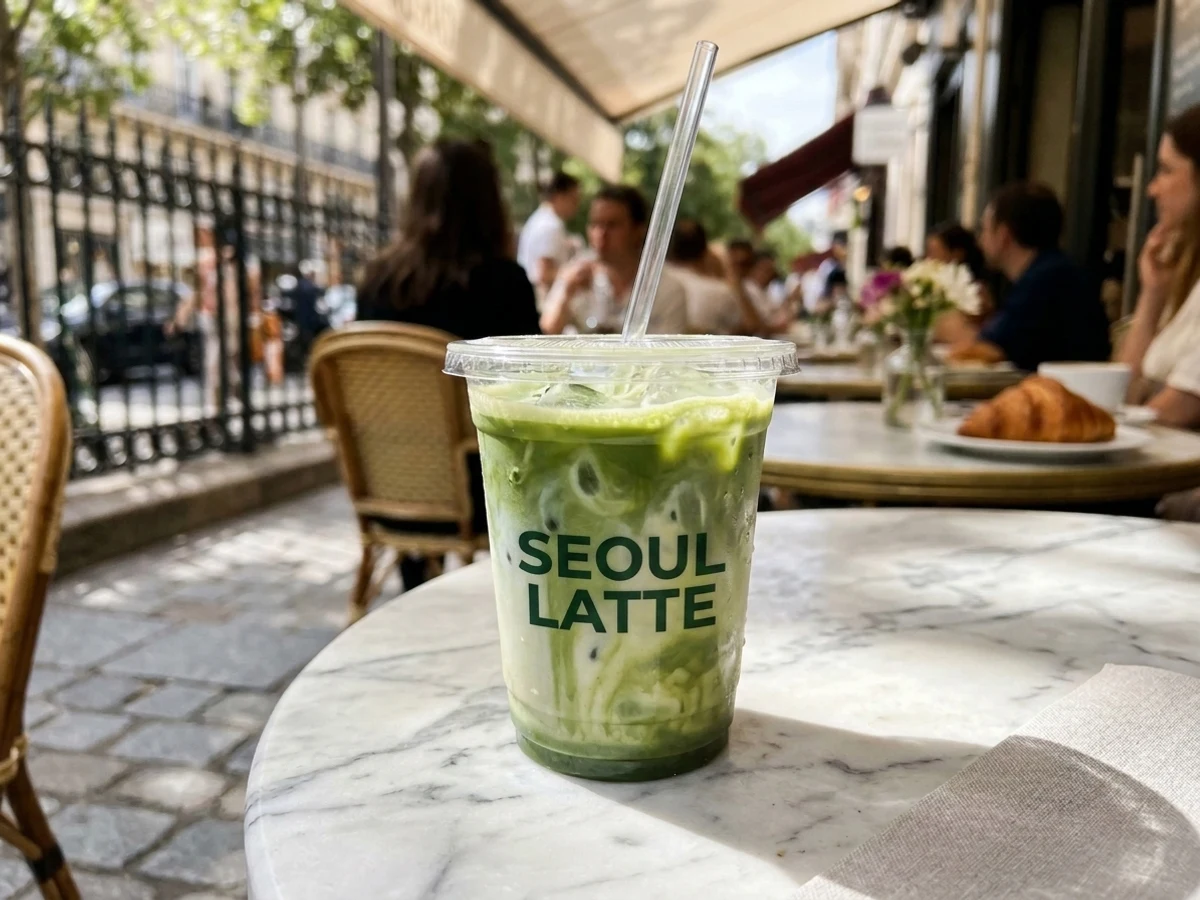
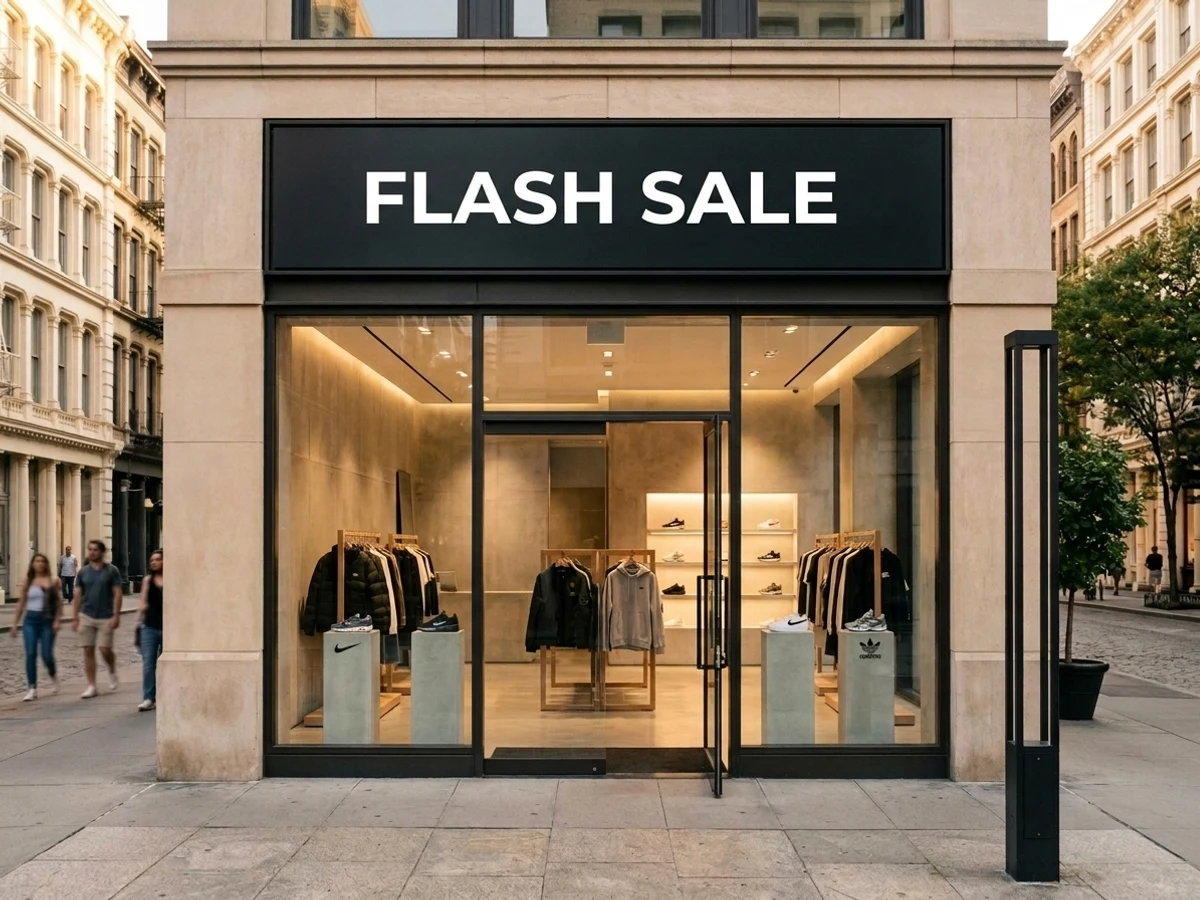
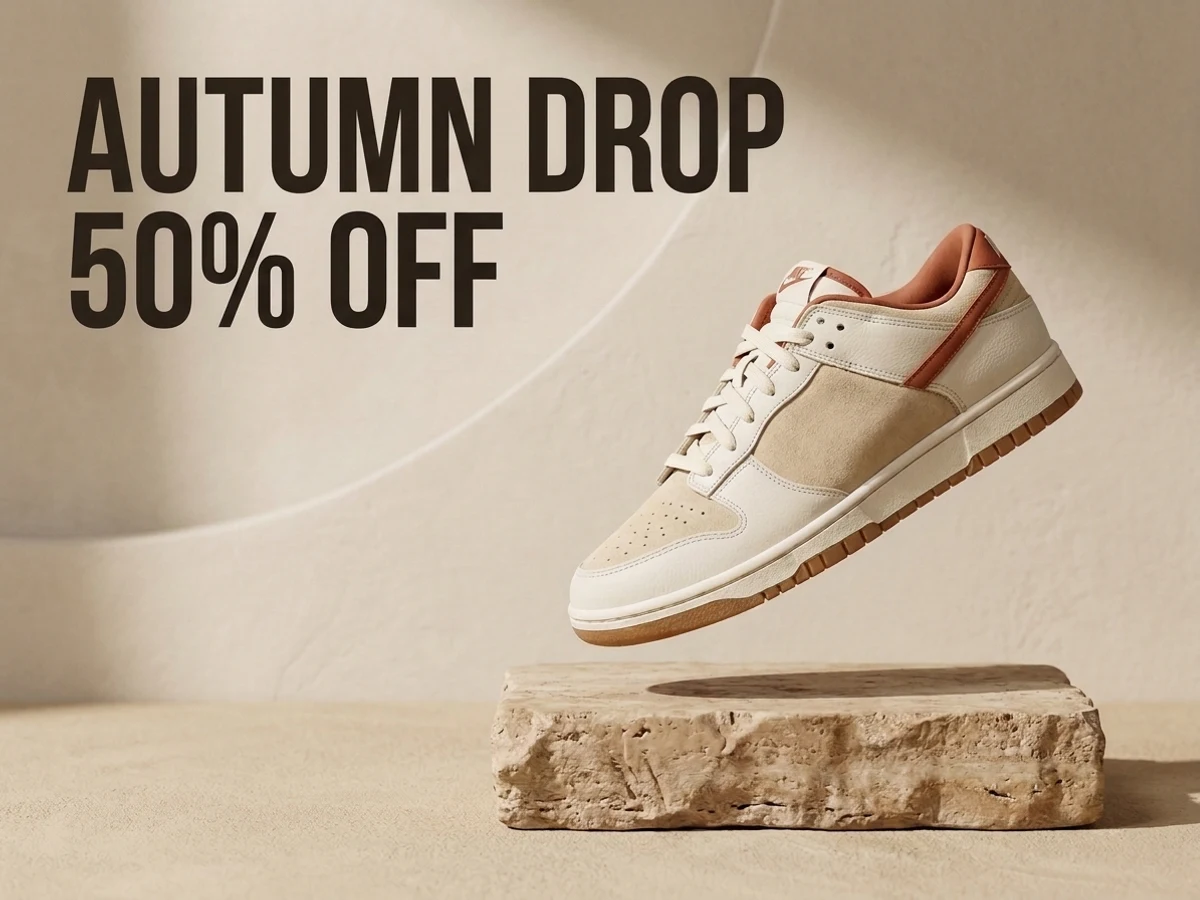
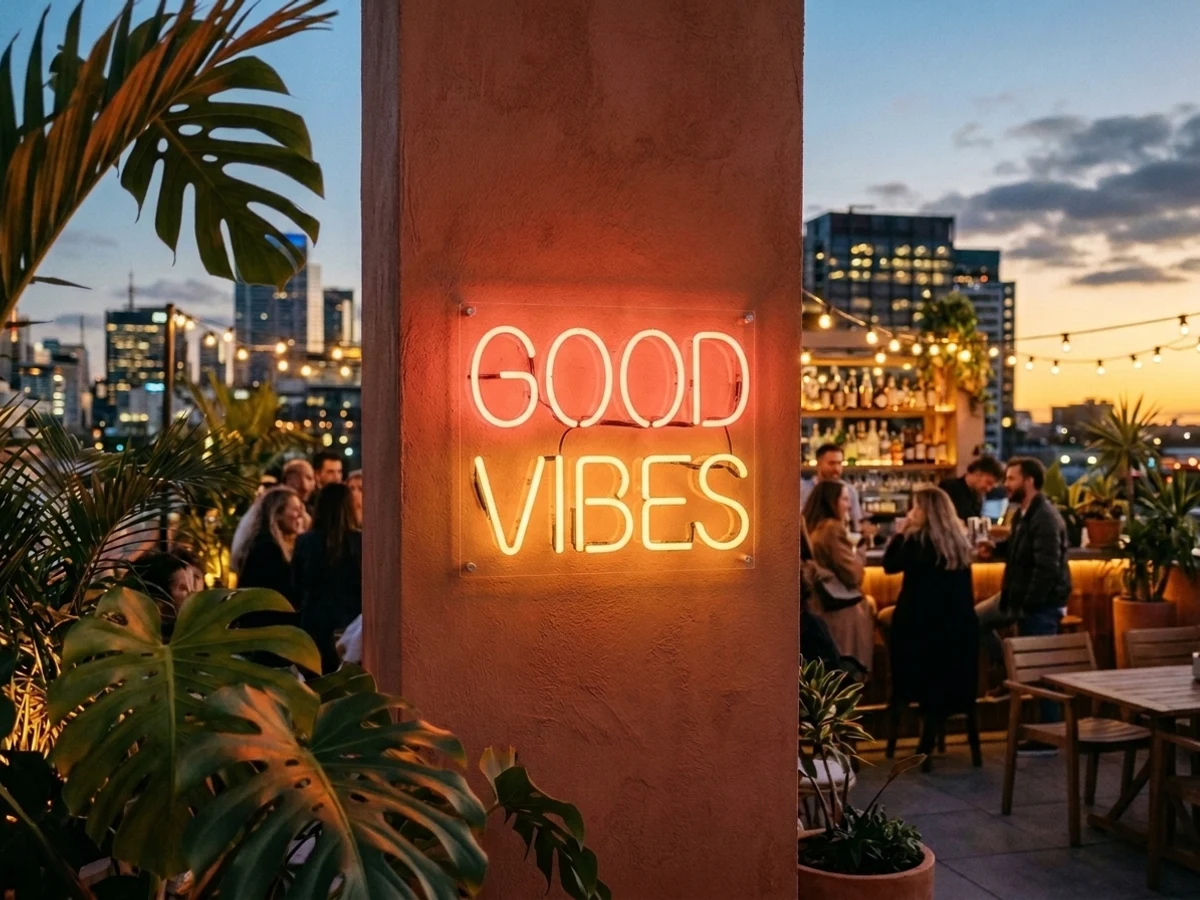
Switch between four high-converting campaign surfaces — luxury skincare packaging, viral café cups, flagship storefronts, and sneaker ad banners — and drag the divider to inspect typography preservation.


Why teams switch to SwapTxt.
No font hunting, no clone-stamping backgrounds, and no manual layer masks.
Pixel-locked font, perspective & lighting reconstruction
Each detected text box is analyzed for stroke weight, ink tone, kerning, and surface curvature. Original glyphs are cleanly removed before the replacement is rendered directly into the scene.
Results A, B & 4K
Every edit produces a full AI render (A), a pixel-preserved original blend (B), and an upscaled 4K master (C) when aspect ratio permits.
Queue up to 30 edits per image
Modify prices, dates, or translate entire posters in a single pass, then save reusable templates to swap copy on future campaigns.
Automate image localization with OpenAPI 3.1
Submit images via URL, base64, or multipart upload. Built-in OCR matching, idempotency keys, concurrent job queues, and HMAC-SHA256 signed webhooks.
Three steps, zero Photoshop layers.
Upload any image
Drag in a JPEG, PNG, or WebP file — product photos, signage, menus, book covers, or UI screenshots.
Click detected text & rewrite
OCR highlights every line automatically (use Edit Scan Results if you ever need to draw a missing box or fine-tune alignment). Click any box, enter your new wording (or leave blank to erase), and queue multiple changes.
Download clean results
Compare AI direct output, blended fusion, and 4K high-resolution results side by side and export in one click.
| Capability | SwapTxt | Photoshop | Canva |
|---|---|---|---|
| Automatic original font & weight matching | Automatic AI match | Manual font hunting | Limited font swaps |
| Complex textured background reconstruction | Built-in per box | Manual generative fill | Often smears textures |
| Batch replace multiple text lines at once | Up to 30 lines / run | Layer by layer | Box by box |
| REST API + Signed Webhooks | OpenAPI 3.1 ready | Enterprise only | No image-text edit API |
Frequently asked questions.
이미지 속 글자는 어떻게 수정하나요?
위 SwapTxt 캔버스에 이미지를 올리면 OCR이 텍스트 박스를 자동 인식합니다. 원하는 박스를 클릭해 새 문구를 입력하면 바로 교체됩니다.
원래 폰트와 배경 질감이 유지되나요?
네. 주변 글꼴 두께, 색상, 원근감과 표면 질감을 자동으로 분석해 이질감 없이 렌더링합니다.
텍스트를 완전히 지울 수도 있나요?
네. 텍스트 박스를 선택한 뒤 교체 문구를 비워두면 배경을 깔끔하게 복원하며 글자를 삭제합니다.
어떤 파일 형식과 API를 지원하나요?
최대 20MB의 JPEG, PNG, WebP 이미지를 지원하며 OpenAPI 3.1 REST API와 웹훅을 제공합니다.