Canva Grab Text vs AI Typography Editing: Which Looks More Real?
An honest comparison of Canva Grab Text versus dedicated AI image text editing for photos, posters, and textured backgrounds.
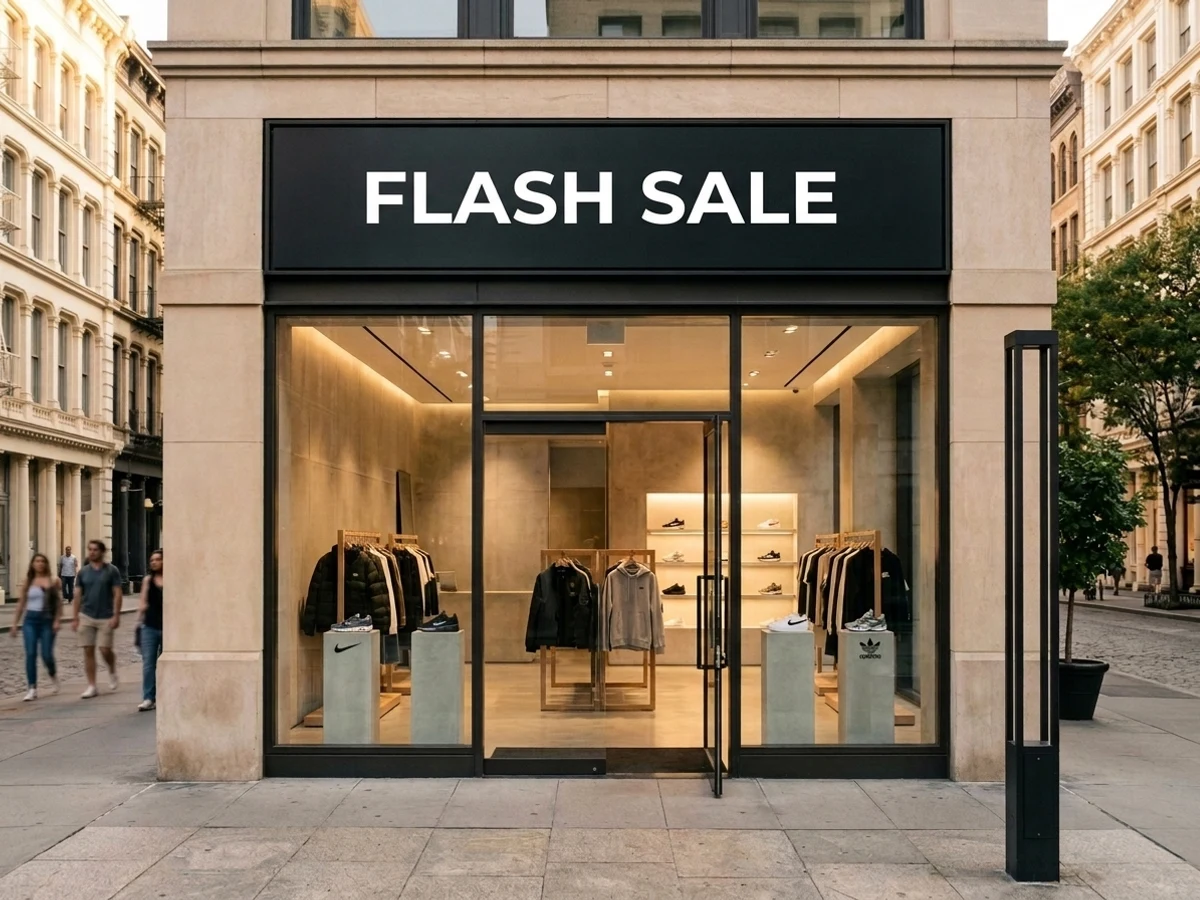
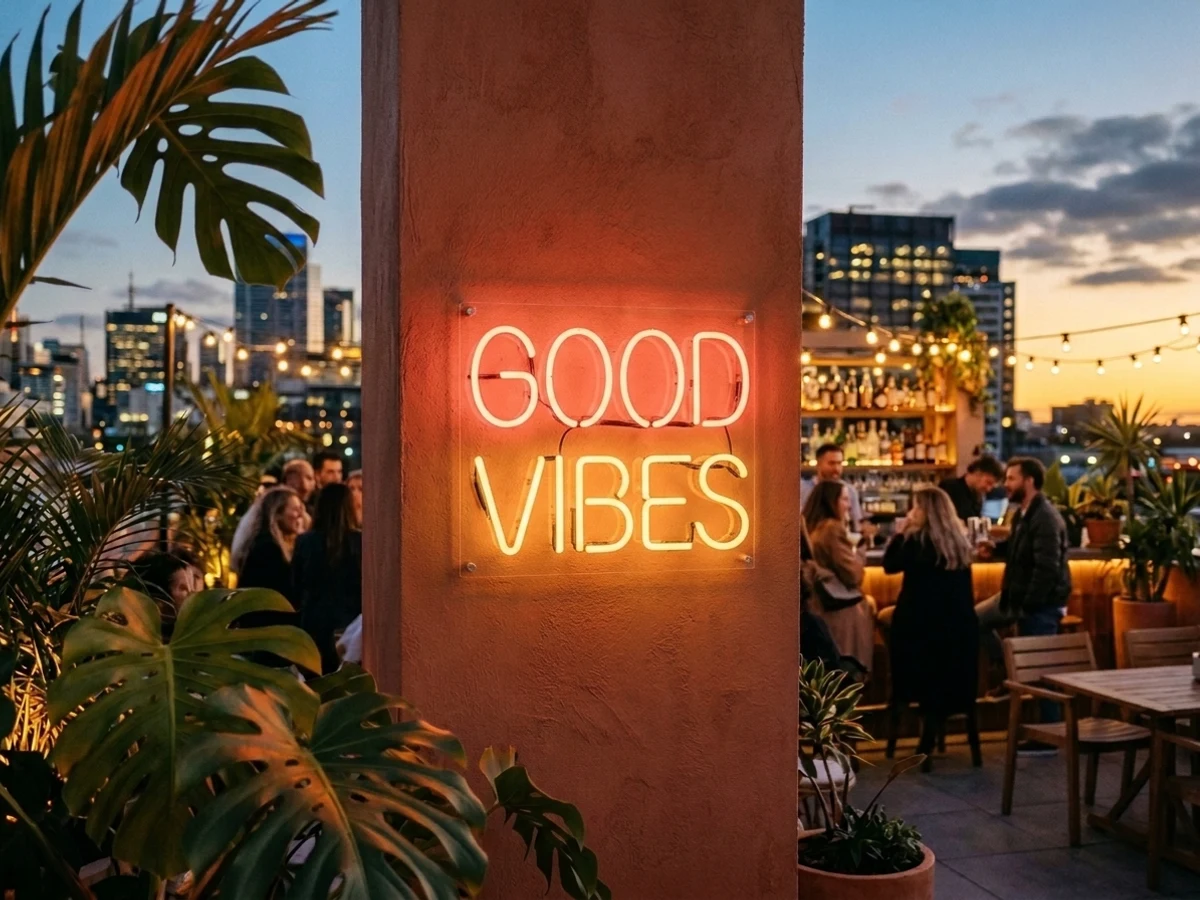
Canva Grab Text works well for simple flat graphics where an approximate standard font is acceptable. For real photographs, textured posters, or exact font fidelity, SwapTxt delivers far more realistic results because it synthesizes ink, lighting, and surface grain directly into the image.
How Canva Grab Text Works Under the Hood
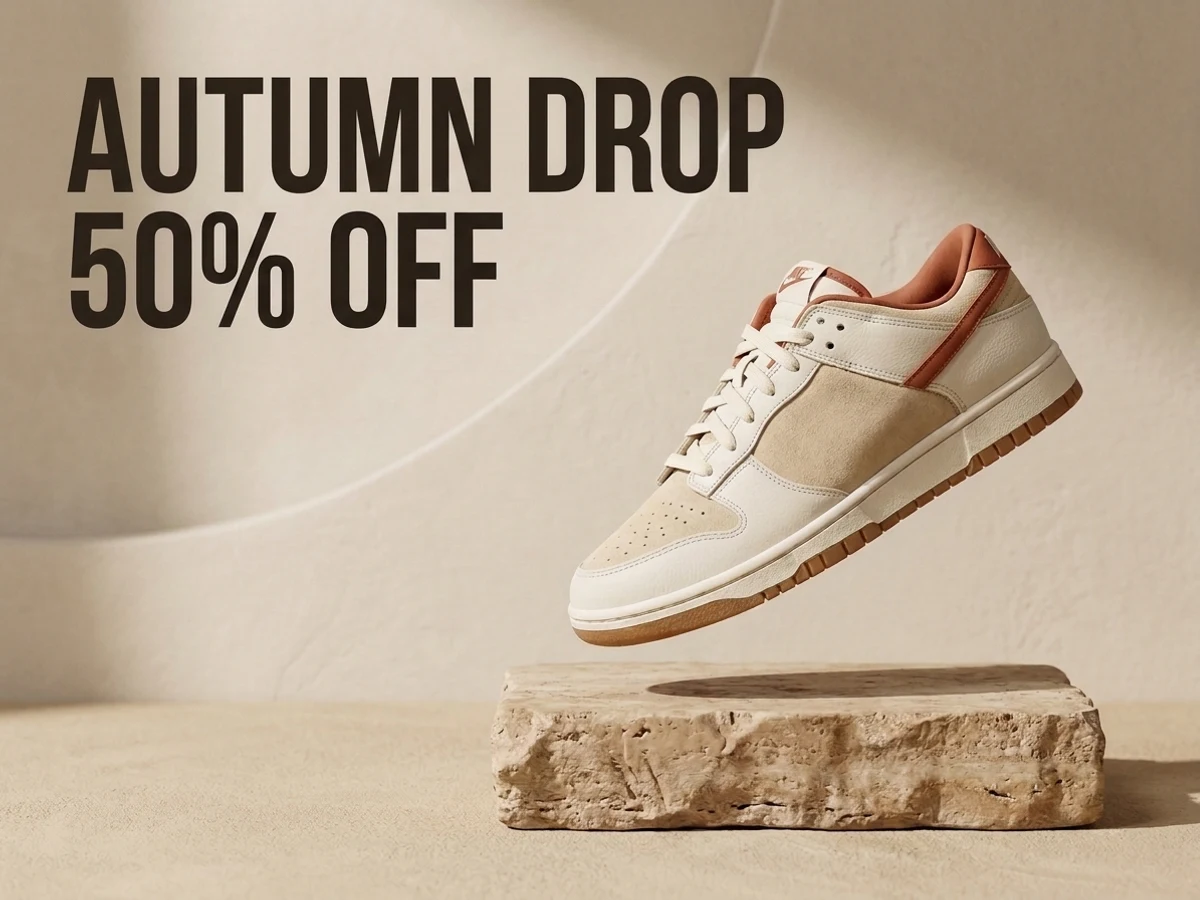
Canva separates detected text onto a standard editable text layer using its closest built-in font. When your original image uses custom serif lettering, chalk, or engraved metal, the substituted font looks noticeably pasted on.
Where Dedicated AI Typography Wins
SwapTxt renders replacement glyphs directly into the scene's lighting, shadow direction, and texture — and also supports batch API automation (/v1/edits) and 4K exports.
See the difference on your own image
Try SwapTxt side-by-side against Canva Grab Text with zero install.
Frequently Asked Questions
When should I still use Canva?
Use Canva when building a brand-new multi-element layout from scratch with Canva templates.
When is SwapTxt better?
Use SwapTxt whenever you need to edit text inside an existing photo, poster, screenshot, or localized campaign asset without losing the original look.